Search



WORLDWIDE SHIPPING
fast, flexible, secure options

ONLINE SUPPORT 24 / 7
anytime, anywhere help

MONEY BACK GUARANTEE
shop with confidence

WIDE SELECTION
every day low prices
Electronics
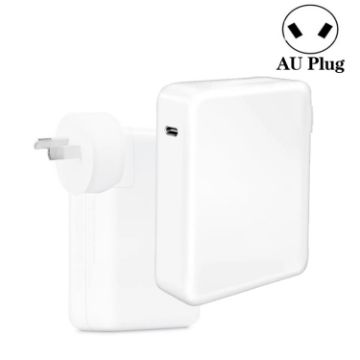
PD3.1 140W USB-C PD Laptop Power Adapter for Apple M1/M2 MacBook Series AU Plug
- Power: 140W [downward compatible with 96W/87W/60W/45W].
- Input: AC100-240V, 50-60Hz, 3A.
- Output: 5V-28V 5A max.
- Adapter support protocol: Supports PD3.1/QC3.0/PPS fast charging.
- Support: The PD140W charger can support fast charging of the Apple M1/M2 series, such as A2485, A2780, A2442, A2779, A2681, etc. It also supports all laptops and iPad series of the Apple MacBook series.
- Applicable to: Suitable for all models of Apple's MacBook series, as well as supporting other brands of laptop PD fast charging. It can also be compatible with charging tablets and other devices.
A$33.37 A$41.38
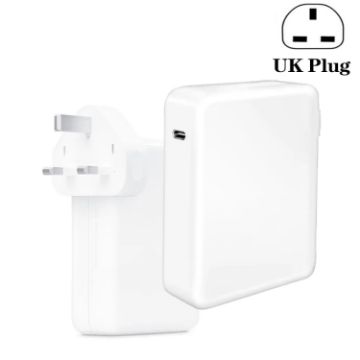
PD3.1 140W USB-C PD Laptop Power Adapter for Apple M1/M2 MacBook Series UK Plug
- Power: 140W [downward compatible with 96W/87W/60W/45W].
- Input: AC100-240V, 50-60Hz, 3A.
- Output: 5V-28V 5A max.
- Adapter support protocol: Supports PD3.1/QC3.0/PPS fast charging.
- Support: The PD140W charger can support fast charging of the Apple M1/M2 series, such as A2485, A2780, A2442, A2779, A2681, etc. It also supports all laptops and iPad series of the Apple MacBook series.
- Applicable to: Suitable for all models of Apple's MacBook series, as well as supporting other brands of laptop PD fast charging. It can also be compatible with charging tablets and other devices.
A$33.37 A$39.71
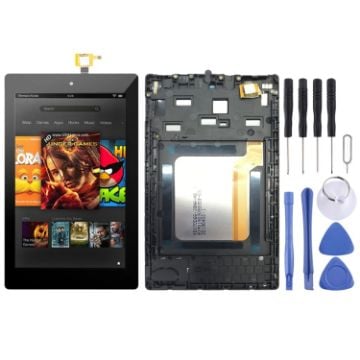
OEM LCD Screen for Amazon Kindle Fire HD 7 2017 SR043KL Digitizer Full Assembly with FrameBlack)
- Before Installation Notes
- Tips 1: Test before installation
- When testing, do not remove any protective film or tags. Please pay attention to the problem of static electricity.
- Before attempting any repair, be sure to ground yourself is an ESD (electro static discharge) strap. This will prevent static electricity from damaging the electronic components within the phone.
- Ensure you wear eye protection and use caution not to cut your finger with the glass splinters.
- Tips 2: Simulates testing
- Screen replacement is very fragile product. We strongly suggest test before installation. Please simulates testing, which means mobile phone apart, (motherboard + LCD or screen) connected audio cable and new replacement, power on, test finished. If test OK, please install it. If it can not show, please contact us at the very first time. And please do not force it to be installed in mobile phone. We will not be responsible once the screen is installed.
- Tips 3: Do not over-bend cable
A$28.37 A$35.19
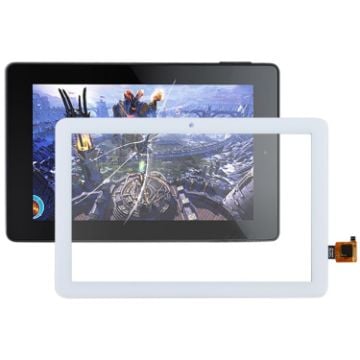
Touch Panel for Amazon Kindle Fire HD 8 Plus (2020) (White)
- Before Installation Notes
- Tips 1: Test before installation
- When testing, do not remove any protective film or tags. Please pay attention to the problem of static electricity.
- Before attempting any repair, be sure to ground yourself is an ESD (electro static discharge) strap. This will prevent static electricity from damaging the electronic components within the phone.
- Ensure you wear eye protection and use caution not to cut your finger with the glass splinters.
- Tips 2: Simulates testing
- Screen replacement is very fragile product. We strongly suggest test before installation. Please simulates testing, which means mobile phone apart, (touch screen) connected audio cable and new replacement, power on, test finished. If test OK, please install it. If it can not show, please contact us at the very first time. And please do not force it to be installed in mobile phone. We will not be responsible once the screen is installed.
- Tips 3: Do not over-bend cable
A$14.96 A$17.20
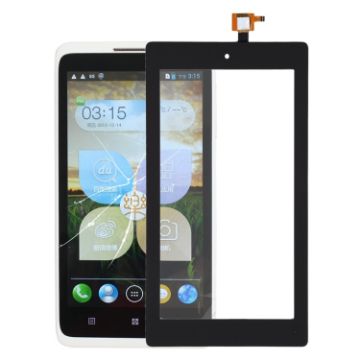
Touch Panel for Amazon Kindle Fire 7 (2019) (Black)
- Before Installation Notes
- Tips 1: Test before installation
- When testing, do not remove any protective film or tags. Please pay attention to the problem of static electricity.
- Before attempting any repair, be sure to ground yourself is an ESD (electro static discharge) strap. This will prevent static electricity from damaging the electronic components within the phone.
- Ensure you wear eye protection and use caution not to cut your finger with the glass splinters.
- Tips 2: Simulates testing
- Screen replacement is very fragile product. We strongly suggest test before installation. Please simulates testing, which means mobile phone apart, (touch screen) connected audio cable and new replacement, power on, test finished. If test OK, please install it. If it can not show, please contact us at the very first time. And please do not force it to be installed in mobile phone. We will not be responsible once the screen is installed.
- Tips 3: Do not over-bend cable
A$9.18 A$11.47
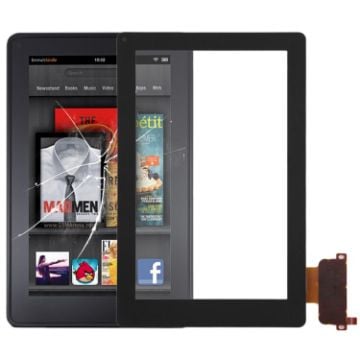
Touch Panel for Amazon Kindle Fire (Black)
- Replacement touch Panel for Amazon Kindle Fire.
- Replace your broken or unusable item with a new one.
- Make your device look more refreshing than ever.
- Completely fit and work.
- Each item has been checked and in good condition before shipping.
- Professional installation is highly recommended. We will not be responsible once the screen is installed.
- Before Installation Notes
- Tips 1: Test before installation
A$10.64 A$13.20
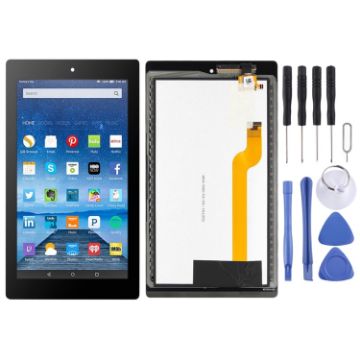
OEM LCD Screen for Amazon Kindle Fire 7th HD 7 2017 HD7 SR043KL with Digitizer Full Assembly (Black)
- Before Installation Notes
- Tips 1: Test before installation
- When testing, do not remove any protective film or tags. Please pay attention to the problem of static electricity.
- Before attempting any repair, be sure to ground yourself is an ESD (electro static discharge) strap. This will prevent static electricity from damaging the electronic components within the phone.
- Ensure you wear eye protection and use caution not to cut your finger with the glass splinters.
- Tips 2: Simulates testing
- Screen replacement is very fragile product. We strongly suggest test before installation. Please simulates testing, which means mobile phone apart, (motherboard + LCD or screen) connected audio cable and new replacement, power on, test finished. If test OK, please install it. If it can not show, please contact us at the very first time. And please do not force it to be installed in mobile phone. We will not be responsible once the screen is installed.
- Tips 3: Do not over-bend cable
A$25.65 A$31.30
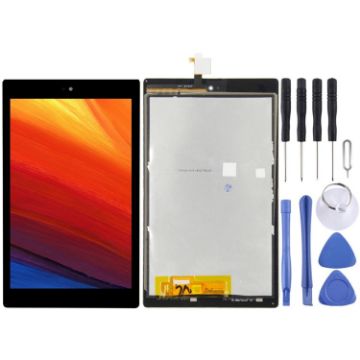
OEM LCD Screen for Amazon HD8 (2017) 7th SX034QT with Digitizer Full Assembly
- Replacement LCD display + touch screen digitizer assembly for Amazon HD8 (2017) 7th SX034QT.
- Replace your broken or unusable item with a new one.
- Make your device look more refreshing than ever.
- Completely fit and work.
- Each item has been checked and in good condition before shipping.
- Professional installation is highly recommended. We will not be responsible once the screen is installed.
- Before Installation Notes
- Tips 1: Test before installation
A$33.83 A$39.92
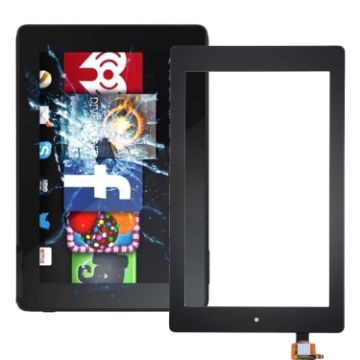
Touch Panel Digitizer for Amazon Kindle Fire HD 7 2017 (Black)
- Before Installation Notes
- Tips 1: Test before installation
- When testing, do not remove any protective film or tags. Please pay attention to the problem of static electricity.
- Before attempting any repair, be sure to ground yourself is an ESD (electro static discharge) strap. This will prevent static electricity from damaging the electronic components within the phone.
- Ensure you wear eye protection and use caution not to cut your finger with the glass splinters.
- Tips 2: Simulates testing
- Screen replacement is very fragile product. We strongly suggest test before installation. Please simulates testing, which means mobile phone apart, (motherboard + LCD or screen) connected audio cable and new replacement, power on, test finished. If test OK, please install it. If it can not show, please contact us at the very first time. And please do not force it to be installed in mobile phone. We will not be responsible once the screen is installed.
- Tips 3: Do not over-bend cable
A$9.22 A$10.98
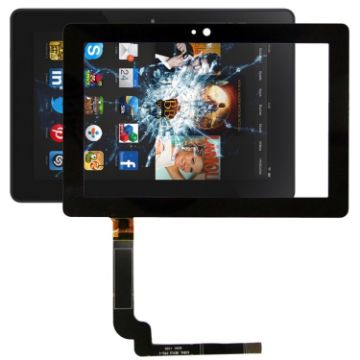
Touch Panel for Amazon Kindle Fire HDX 7 inch (Black)
- Replacement touch screen for Amazon Kindle Fire HDX 7 inch
- Replace your broken or unusable item with a new one
- Make your device look more refreshing than ever
- Completely fit and work
- Each item has been checked and in good condition before shipping
- Professional installation is highly recommended. We will not be responsible once the screen is installed.
- Before Installation Notes
- Tips 1: Test before installation
A$17.23 A$20.51
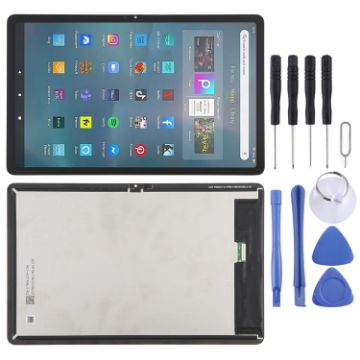
For Amazon Fire Max 11 2023 LCD Screen with Digitizer Full Assembly (Black)
- Before Installation Notes
- Tips 1: Test before installation
- When testing, do not remove any protective film or tags. Please pay attention to the problem of static electricity.
- Before attempting any repair, be sure to ground yourself is an ESD (electro static discharge) strap. This will prevent static electricity from damaging the electronic components within the device.
- Ensure you wear eye protection and use caution not to cut your finger with the glass splinters.
- Tips 2: Simulates testing
- Screen replacement is very fragile product. We strongly suggest test before installation. Please simulates testing, which means device apart, (motherboard + LCD or screen) connected audio cable and new replacement, power on, test finished. If test OK, please install it. If it can not show, please contact us at the very first time. And please do not force it to be installed in device. We will not be responsible once the screen is installed.
- Tips 3: Do not over-bend cable
A$59.63 A$73.93
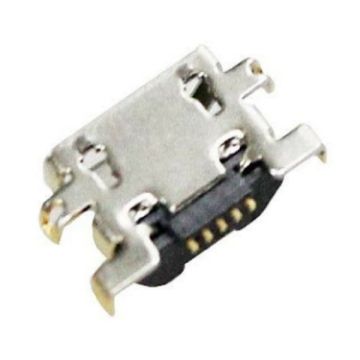
For Amazon Kindle Fire HD 8 SX034Q Charging Port Connector
- Replacement charging port connector.
- Replace your broken or unusable item with a new one.
- Each item has been checked and in good condition before shipping.
- Completely fit and work.
- Professional installation is highly recommended. We will not be responsible for any damages to your device that you may cause during the changing of replacement parts.
A$3.55 A$4.33

NEED HELP?
Payment options
